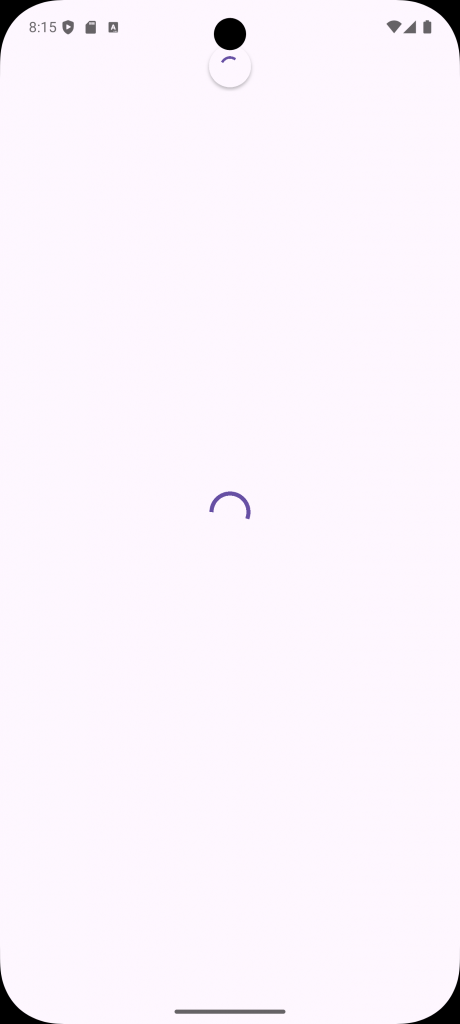
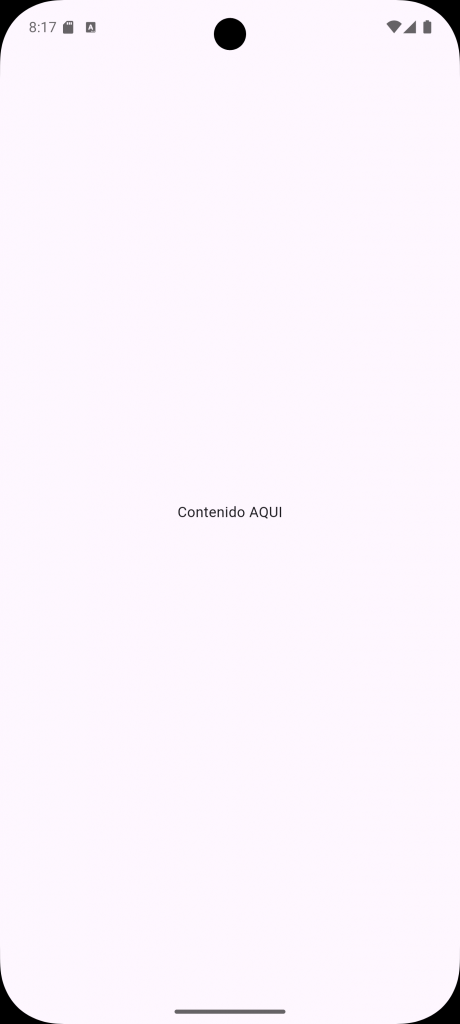
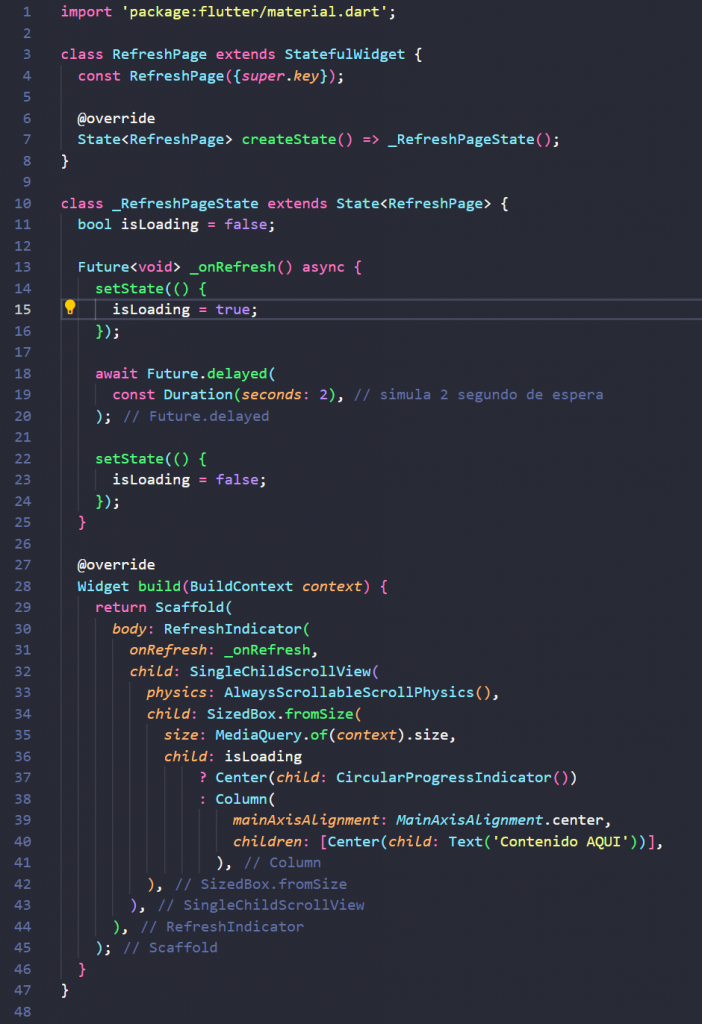
Si deseas una pantalla en tu app con el efecto de deslizar con el tap de arriba hacia abajo y que actualice el contenido te comparto el codigo.
import 'package:flutter/material.dart';

class RefreshPage extends StatefulWidget {
  const RefreshPage({super.key});

  @override
  State<RefreshPage> createState() => _RefreshPageState();
}

class _RefreshPageState extends State<RefreshPage> {
  bool isLoading = false;

  Future<void> _onRefresh() async {
    setState(() {
      isLoading = true;
    });

    await Future.delayed(
      const Duration(seconds: 2), // simula 2 segundo de espera
    );

    setState(() {
      isLoading = false;
    });
  }

  @override
  Widget build(BuildContext context) {
    return Scaffold(
      body: RefreshIndicator(
        onRefresh: _onRefresh,
        child: SingleChildScrollView(
          physics: AlwaysScrollableScrollPhysics(),
          child: SizedBox.fromSize(
            size: MediaQuery.of(context).size,
            child: isLoading
                ? Center(child: CircularProgressIndicator())
                : Column(
                    mainAxisAlignment: MainAxisAlignment.center,
                    children: [Center(child: Text('Contenido AQUI'))],
                  ),
          ),
        ),
      ),
    );
  }
}
Ejemplo: